How 3D Visualisation Improves Design Decisions
Technology is most useful when it helps people understand a design, compare options and make decisions with greater confidence. At Whisker Architecture, sketches still matter, but they now work alongside detailed digital models, walkthroughs and rendered views.
The aim is not simply to produce polished images. It is to make the design easier to test, explain and coordinate before construction.

Resolve Decisions While They Are Still Digital
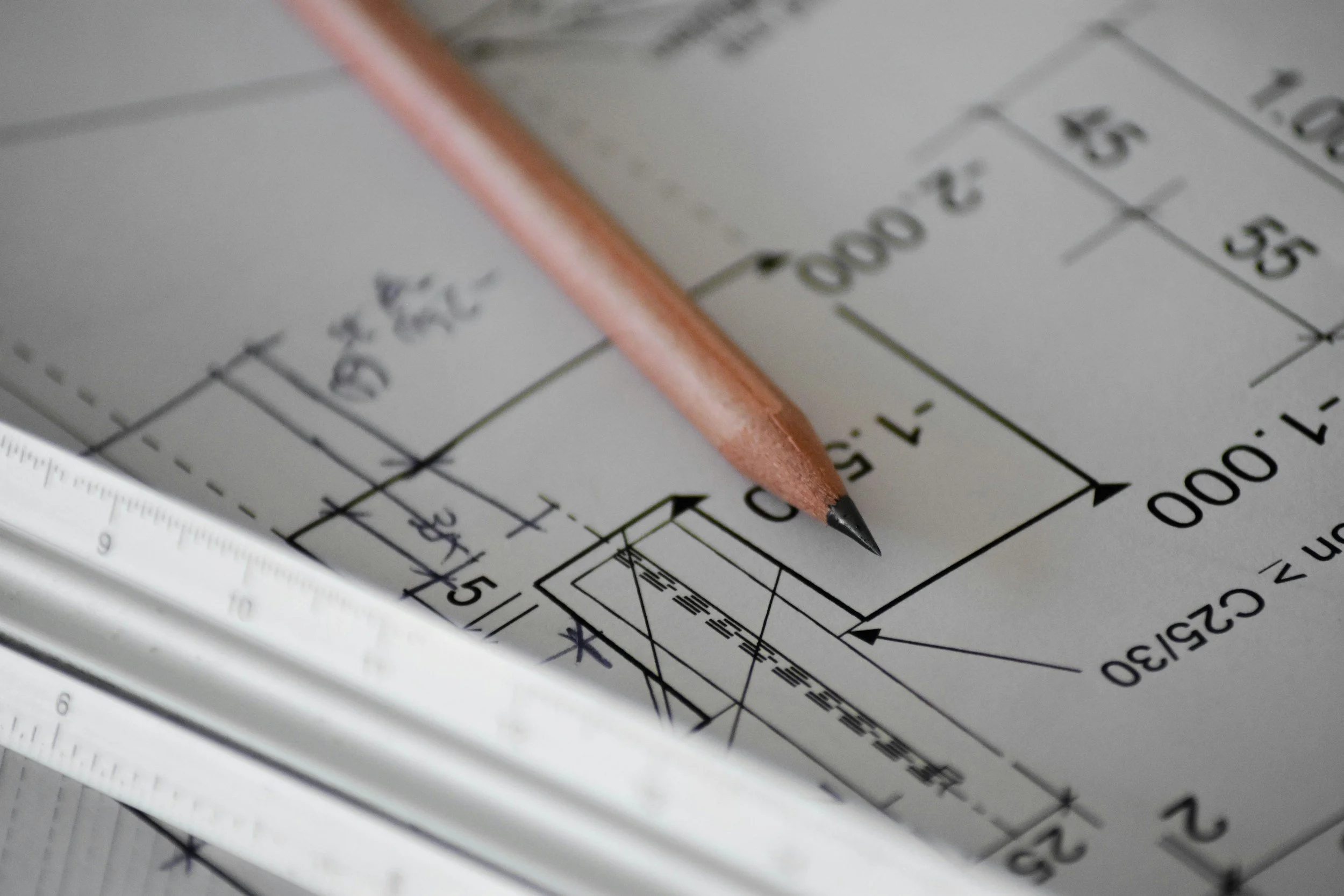
We develop our projects using Building Information Modelling, commonly called BIM. The model brings together the building’s geometry with information used to prepare plans, elevations, sections, schedules and details.
Working in three dimensions helps us test spatial relationships, roof forms, openings, materials and site constraints before they become expensive work on site. We can also use the model to study sun access and communicate how different options may change the experience of a room.
A digital model does not eliminate uncertainty or replace professional judgement. It does make many design questions easier to see and resolve earlier.
Helping Clients Understand the Design
Architectural drawings are essential, but not every client finds it easy to imagine a room from a floor plan or section. We use several forms of visual communication to make the design more accessible:
• 360-degree views that can be opened from QR codes in selected drawing sets
• self-guided digital walkthroughs for exploring spaces and viewpoints
• still renders that communicate materials, light and spatial proportions
These tools give clients another way to review the design, ask better questions and make informed decisions. They support the drawings rather than replacing them.
Useful for Builders and Trades
Three-dimensional views can also help builders and trades understand the design intent. A tiler may use a visual reference to check an alignment, or a cabinetmaker may compare joinery drawings with the intended overall composition.
The construction documents and building contract remain the formal reference for the work. Visualisations add context, reduce ambiguity and make conversations about complex details more productive.
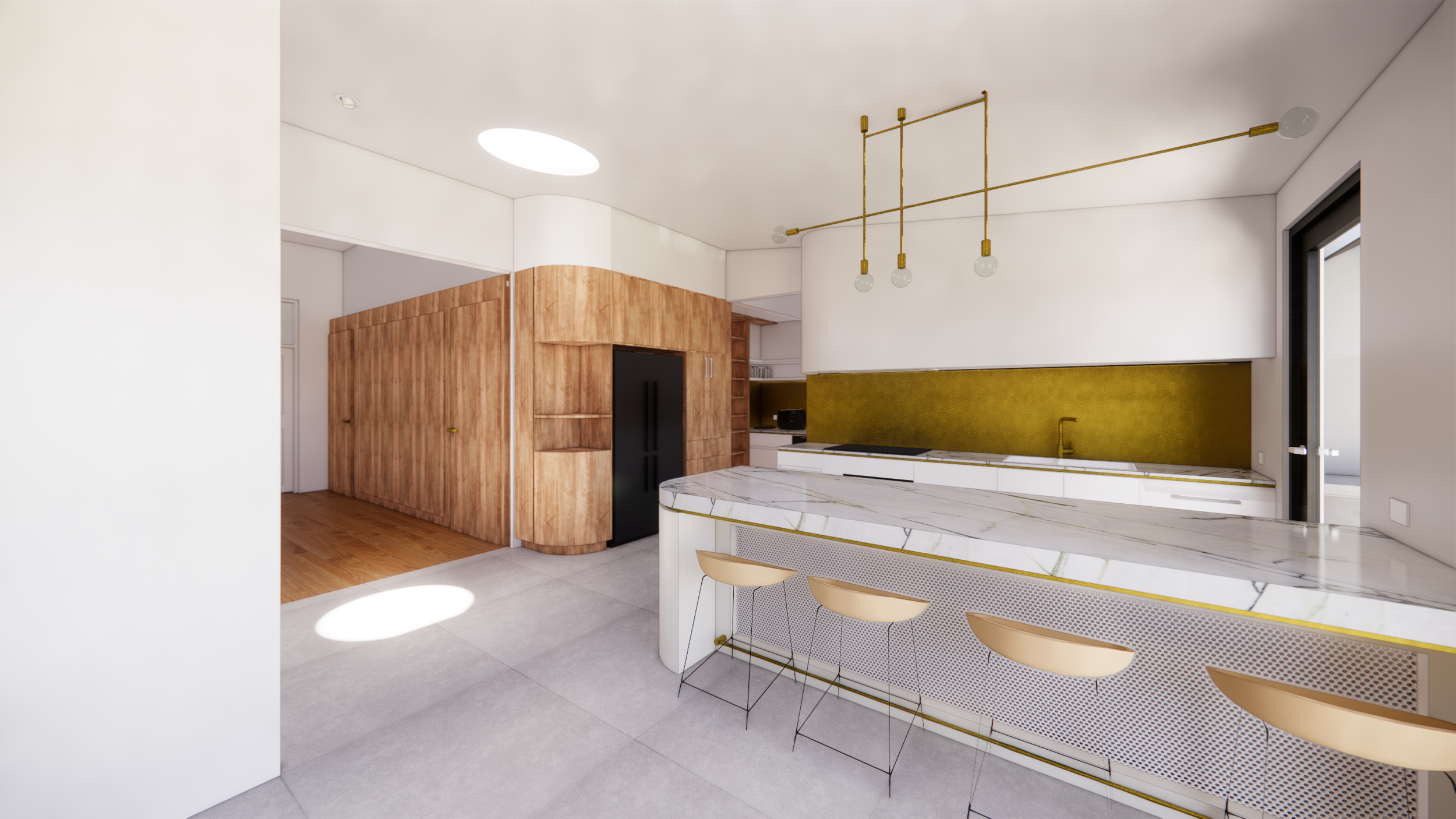
See this space in more detail.

Try a 360° render!
Render and Reality
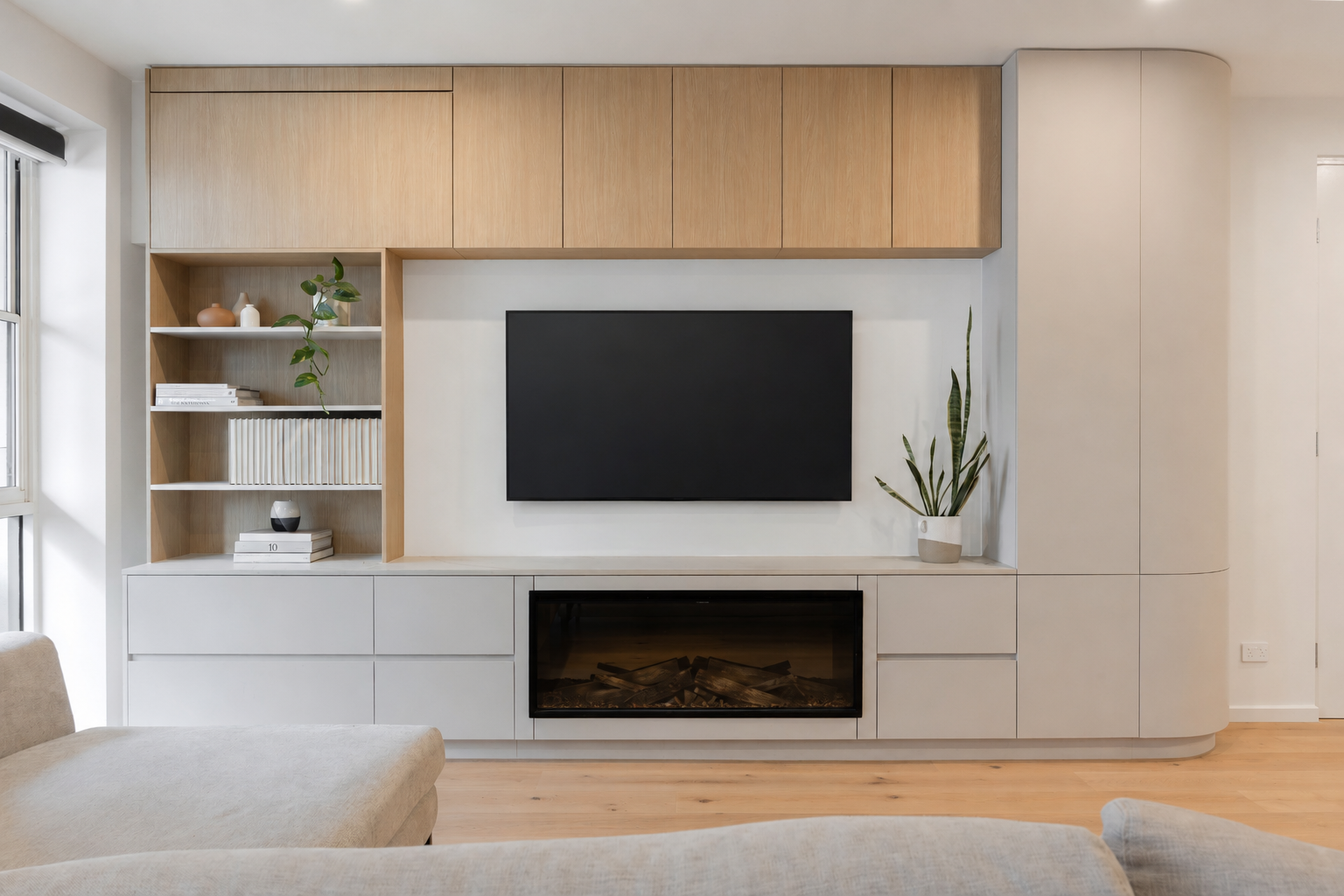
On selected project pages, we compare design renders with photographs of the completed building. These comparisons show which ideas carried through and where materials, detailing or site conditions developed during the project.
A render is not a guarantee of an identical finished image. Products can change, natural materials vary, and design decisions continue as documentation and construction progress. The value of the comparison is that it makes the design process visible and shows how an early idea was translated into a real place.


Better Tools, Used With Judgement
Visualisation software continues to improve, but more realistic imagery is not automatically better design. A convincing render can still represent an unresolved or unaffordable idea.
We use digital tools to support architectural judgement, coordination and client decision-making. Their value lies in helping the team identify issues earlier, understand options more clearly and reduce avoidable misunderstandings. They are decision-support tools, not a substitute for careful briefing, documentation or construction.
See Your Project Before It Is Built
If you are considering a substantial renovation or custom home, early visualisation can help you compare possibilities before committing to one direction. Our Home Masterplan Report tests the brief, design options and likely budget before detailed design begins.
You can also book a free 20-minute Clarity Call with Audrey through our website to discuss the most useful next step for your project.

Bungalow Reborn Pascoe Vale South, Navy and brass details